Rodin add-on for Unreal Engine
Install Rodin Bridge and use Rodin generation controls in Unreal Engine.
Introduction
The Rodin add-on for Unreal Engine brings image-based Rodin generation into the editor. You can configure a generation, use a selected scene object with ControlNet, and import completed assets while the Rodin web interface handles the connected generation session.
Overview
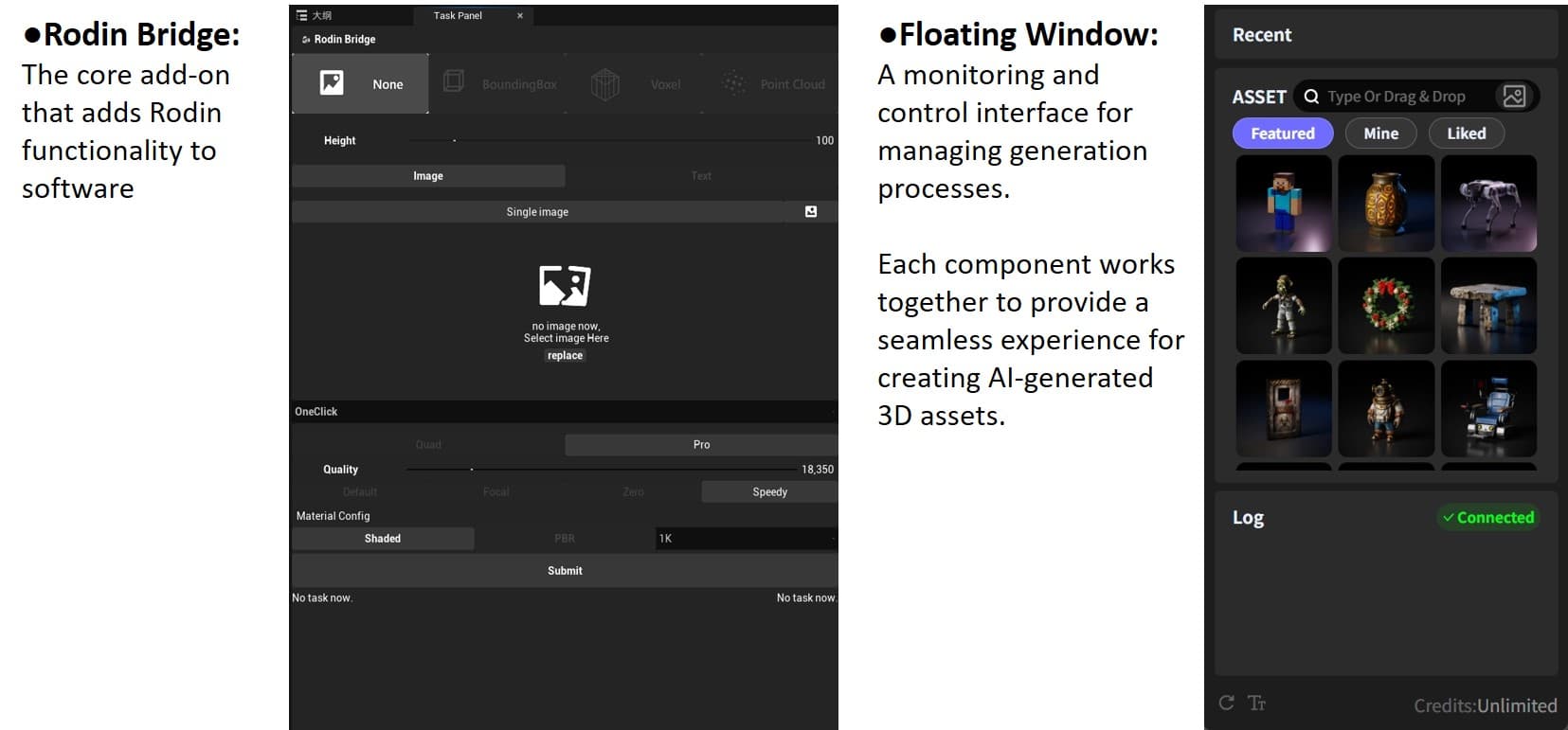
The Rodin Bridge panel connects your Unreal Engine workflow to Rodin generation controls.
Installation
Verified versions
Only Unreal Engine 5.1 through 5.6 have been verified.
Installation steps
- Extract the add-on archive. The extracted files include a plugin folder named
Rodin. - Open the project root that contains the
.uprojectfile. - Create a
Pluginsfolder if one does not exist, then move theRodinfolder into it. - Launch Unreal Engine, open the project, and enable Rodin under Edit > Plugins.
Basic usage
Some steps take place in Unreal Engine and others continue in the Rodin web interface.
Single-image generation
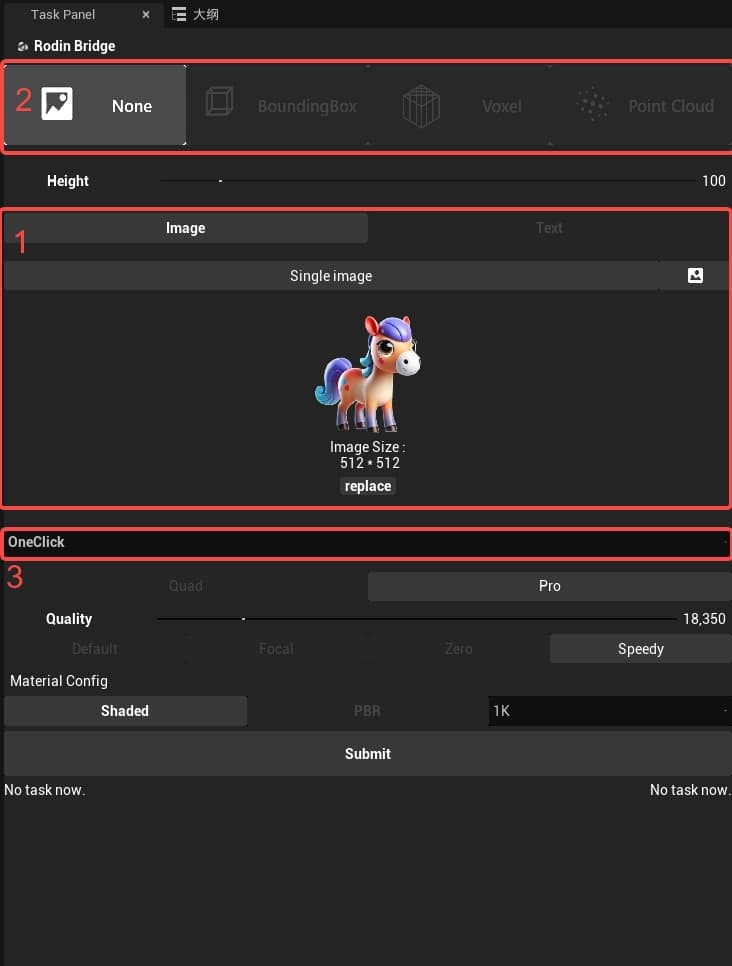
- Select Replace to add or replace the input image.
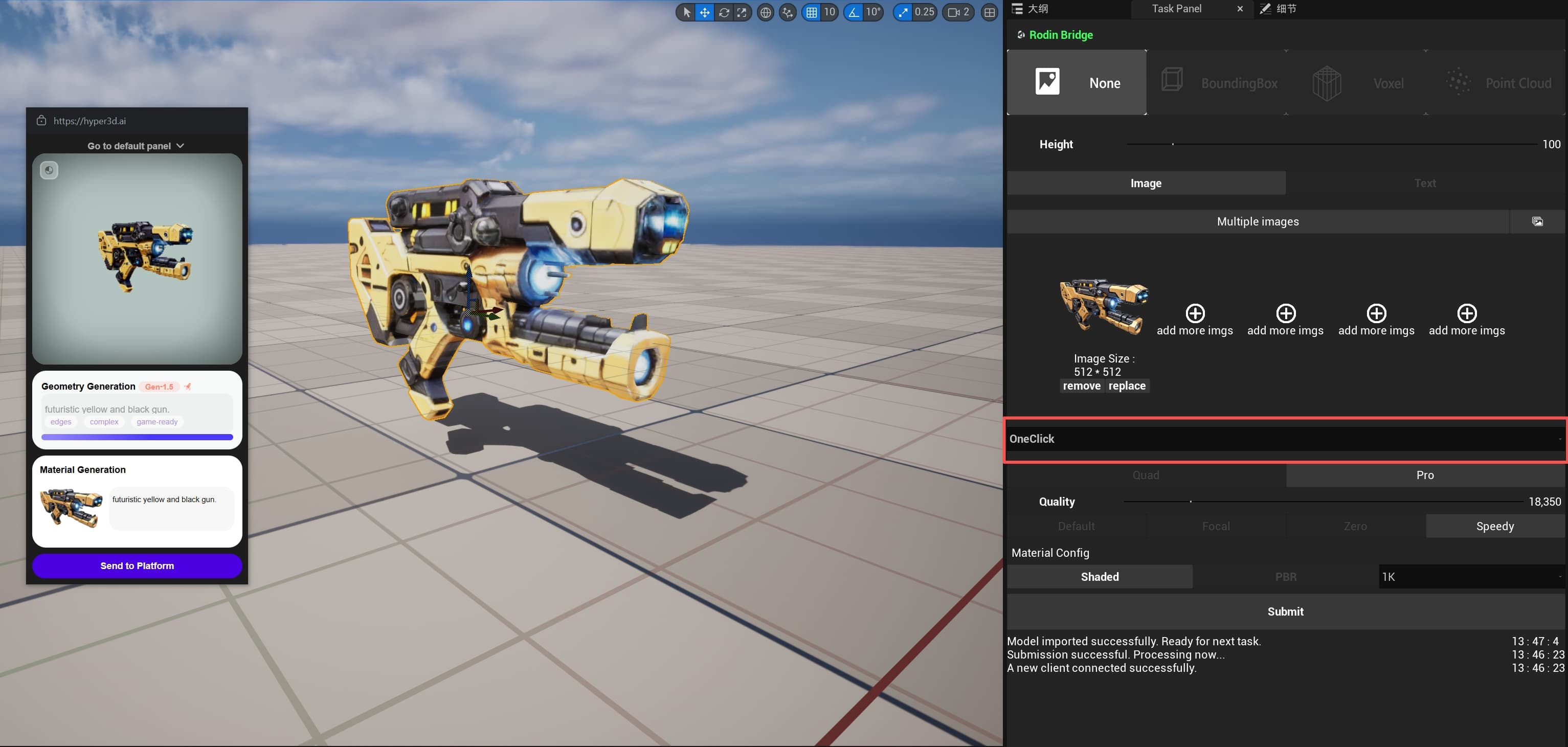
- Set ControlNet to None and select One Click for an automated workflow. Adjust the remaining generation settings as needed.
- Select Submit to start generation.
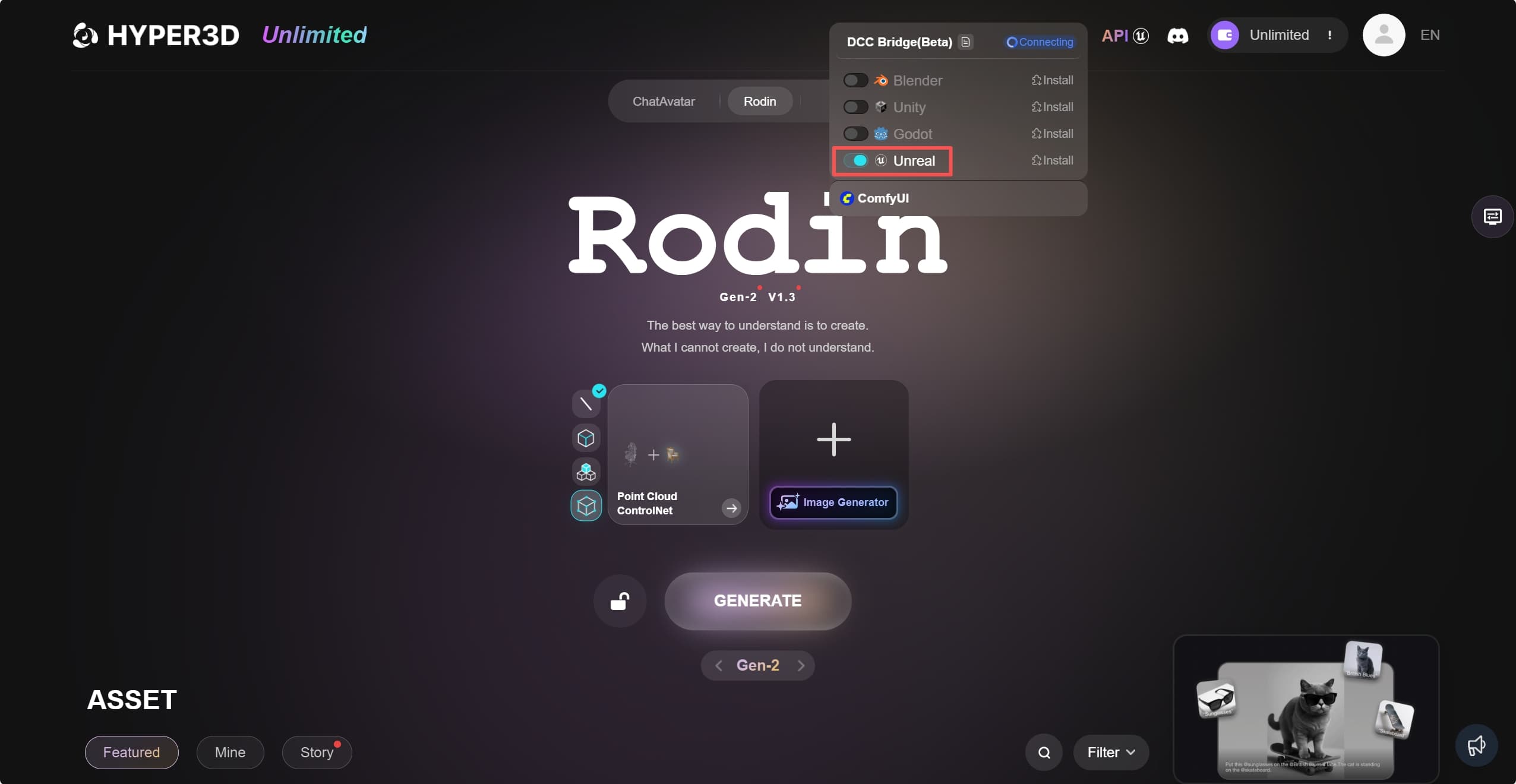
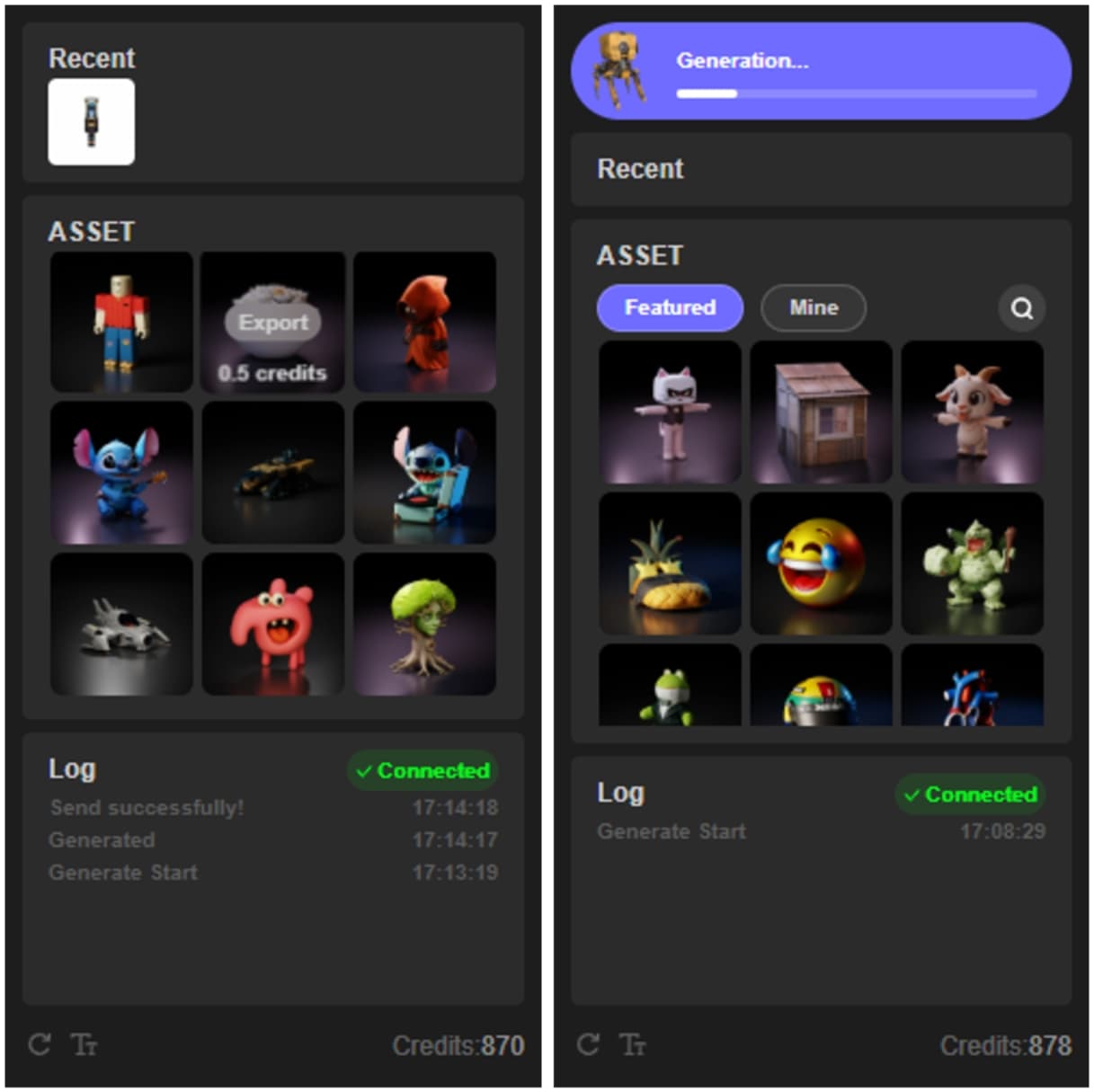
The Rodin web interface opens automatically if it is not already open. Enable its floating window to monitor progress. When generation finishes, the asset is imported into the Unreal Engine scene.
To import a featured or previously generated asset, hover over it in Rodin and select Export.
Advanced functions
ControlNet
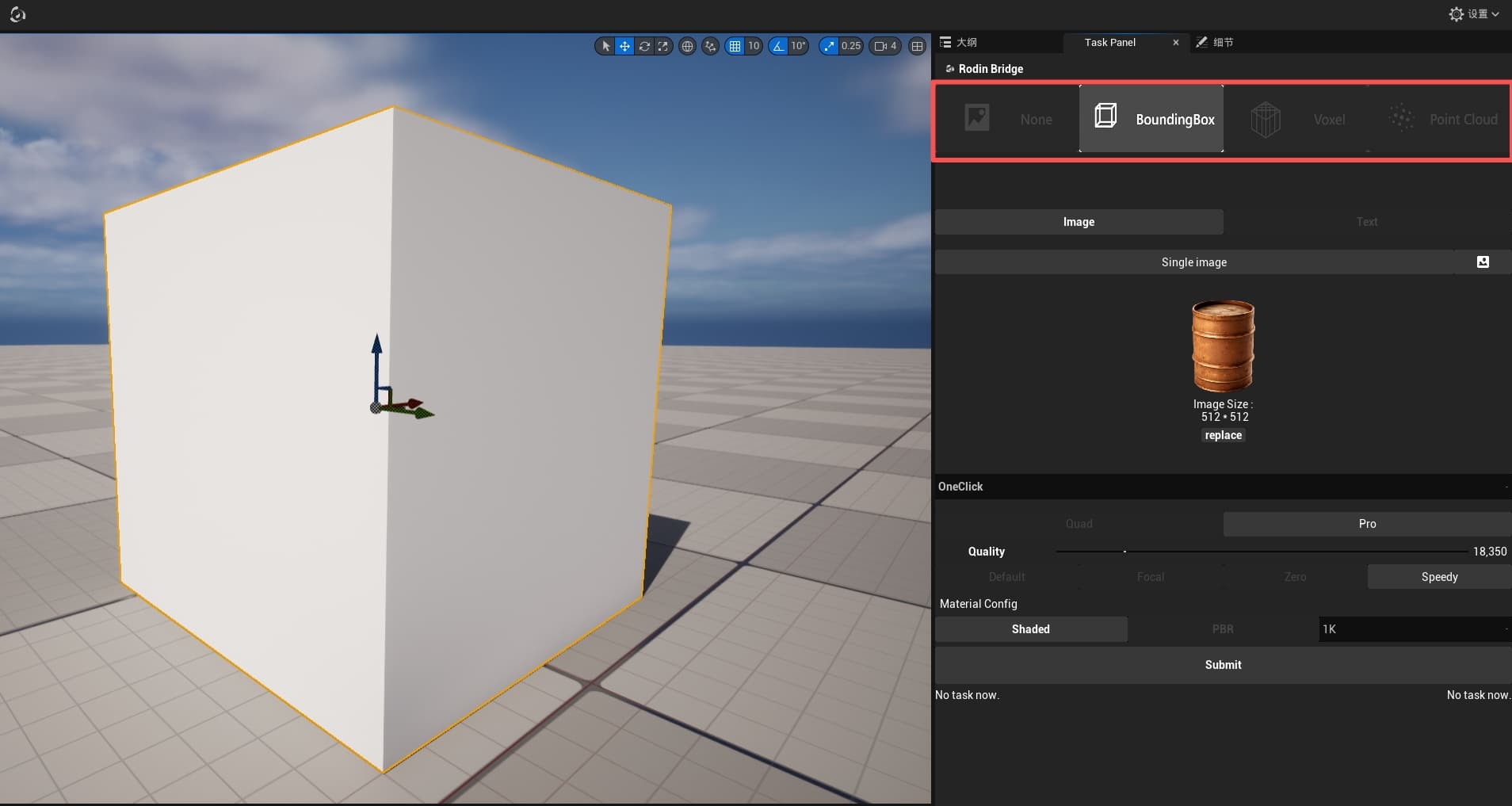
Select an object in the scene, choose a ControlNet mode, and adjust the available settings. The settings correspond to those in the Rodin web interface.
Multi-view mode
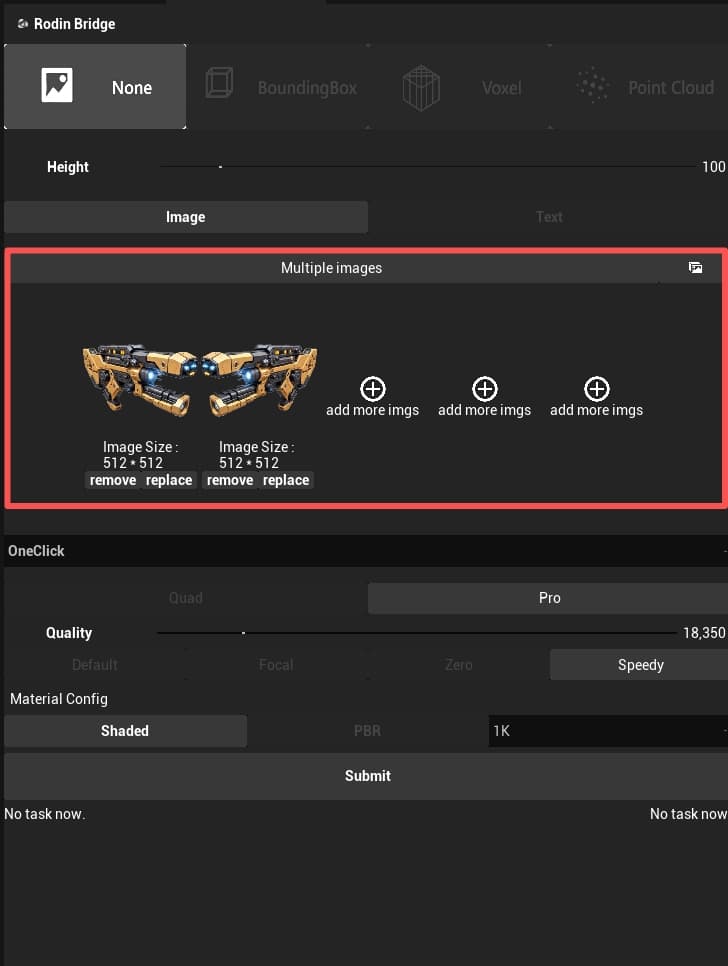
Use Load Image to add multiple input images. Rodin treats them as views of the same object for multi-view generation.
Generation mode
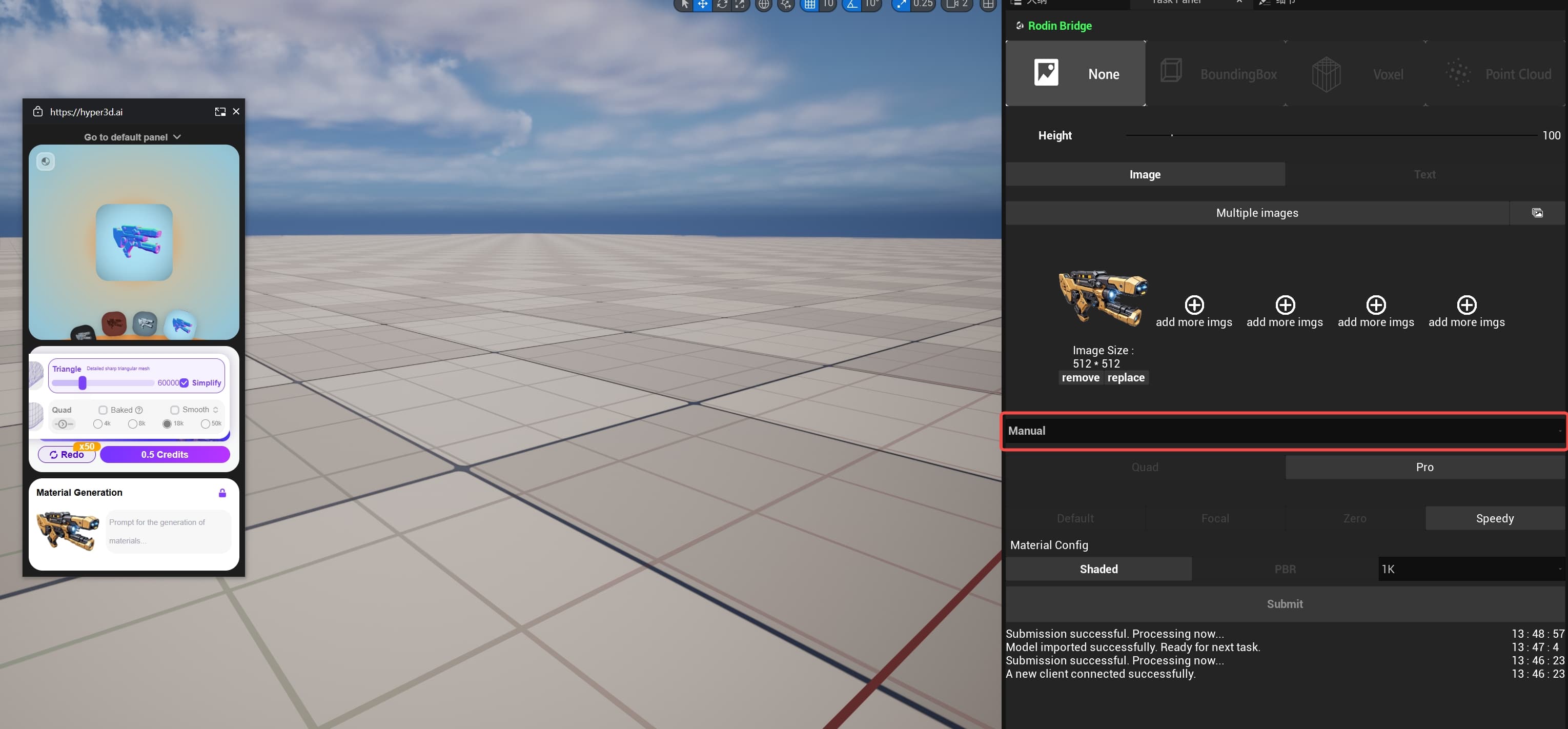
One Click runs the generation flow automatically. Manual requires you to complete each stage in the floating window, following the same flow as the Rodin web interface.